
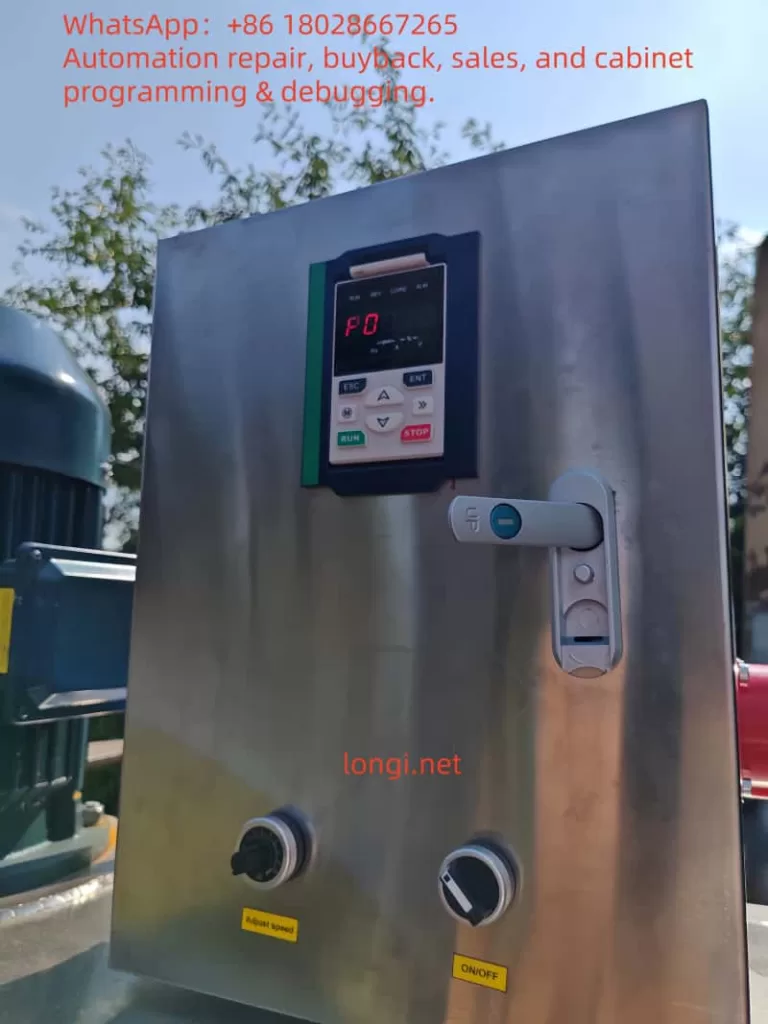
Goal: make the MT 500 drive’s LED keypad show actual motor speed in r/min (RPM).
Assumptions: drive is stopped, control source = keypad.
1 . Enter the parameter list (“Standard menu”)
| Action | Expected display | Comment |
|---|---|---|
| Press ESC repeatedly from the normal monitor screen | ‑bSC‑ | “Basic / Standard menu” root |
| Press ENTER | P00.00 | You are now at the parameter index level |
Tip: ESC moves up one level; ENTER confirms / goes down.
2 . Fill in the motor name‑plate data
(needed so the drive can translate Hz → RPM correctly)
2‑a Locate P11.05 Rated frequency
- While
P00.00is shown:- Press SHIFT until the left‑most digit blinks.
- Tap UP until that digit becomes 1 → display reads
P10.00. - Press SHIFT once to move the cursor to the last digit; UP once →
P11.00. - Tap UP five more times →
P11.05.
- Press ENTER – the current value (e.g.
50.00) blinks.
2‑b Edit the value
- Use SHIFT to select the digit; UP / DOWN to change it.
- Press ENTER to save. Display flashes
End, then returns toP11.05.
2‑c Repeat for P11.06 Rated speed
- Navigate to
P11.06the same way; enter the motor’s rated RPM; ENTER to save.
3 . (Optional) Run auto‑tune P11.10
| Action | Display |
|---|---|
Go to P11.10, ENTER | value blinks (default 0) |
UP → 1 (stand‑still tune) or 2 (rotating tune) | |
ENTER to store → End | Auto‑tune will start the first time you press RUN afterwards |
4 . Switch the display unit from Hz to RPM — P21.17
| Action | Expected display |
|---|---|
Press ESC twice to get back to P00.00; jump to P21.17 | P21.17 |
ENTER – value blinks (0 = Hz) | |
UP once → 1 (= RPM) | |
ENTER to save → End | The Hz and A LEDs now light together, meaning the keypad shows RPM |
5 . See the live speed
- Press ESC until the normal monitor screen returns.
- The default monitored variable is
r27.00. BecauseP21.17 = 1, its value is already in RPM. - Press SHIFT (>>) to step through other view pages if needed; the Hz + A LEDs confirm the unit remains RPM.
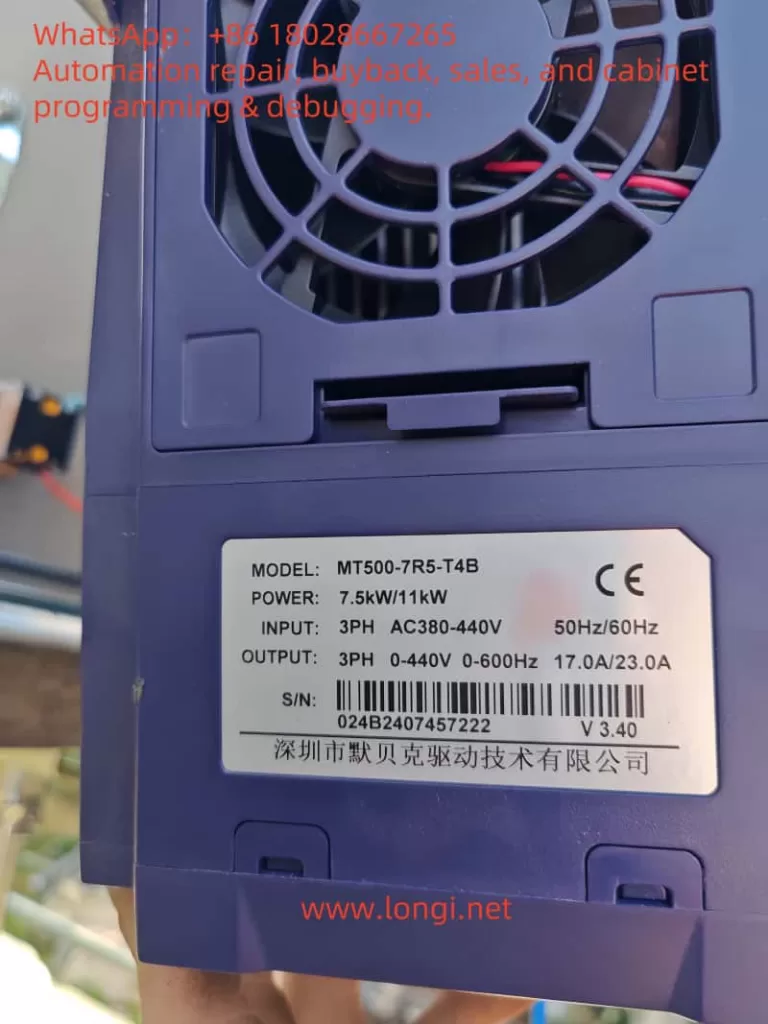
6 . (Optional) Show only speed on the monitor page
If you dislike the rotating multi‑page display:
- Navigate to P21.11 (run‑mode sequence) and set it to 0001.
- Do the same for P21.12 (stop‑mode sequence) if desired.
Now the keypad will lock onto a single page that shows r27.00 in RPM.
Quick trouble‑shooting
| Symptom | Likely cause | Fix |
|---|---|---|
| Still shows Hz | P21.17 not saved, or you are viewing another variable | Re‑enter 1; check Hz+A LEDs |
| RPM reading off by a lot | Wrong name‑plate data or no auto‑tune | Re‑check P11.05 / P11.06, run P11.10 |
| Cannot enter parameters | User lock active | Enter password in P00.00 or restore defaults |
Ultra‑short recap
- ESC →
‑bSC‑→ ENTER → parameter list. - Set P11.05 (rated Hz) & P11.06 (rated rpm).
- (Option) P11.10 = 1 or 2, auto‑tune after RUN.
- P21.17 = 1 → units = RPM.
- Monitor page now shows real speed; enjoy!