
I. Introduction
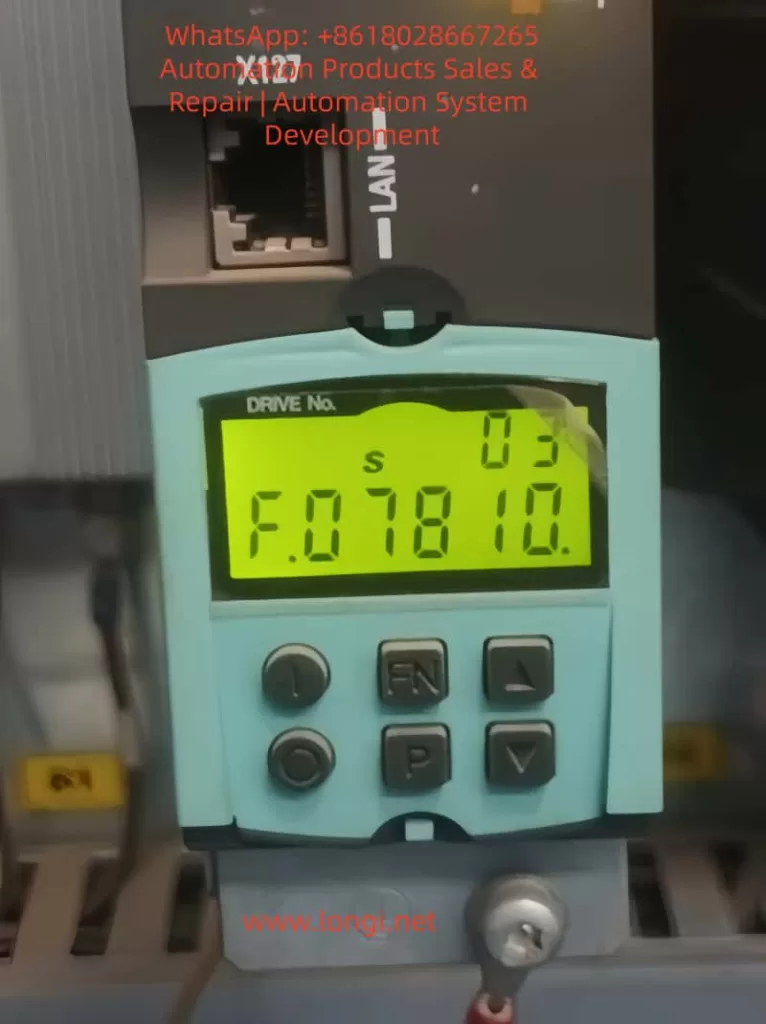
The Siemens SINAMICS S120 series drives, as representatives of high-performance, modular frequency converters, are widely used in the field of industrial automation. However, the fault F07810 – “Drive: Power unit EEPROM without rated data” has become a common issue affecting the stable operation of the system. This article provides an in-depth analysis of the causes, diagnostic methods, solutions, and preventive strategies for this fault, aiming to offer comprehensive technical guidance to engineers.
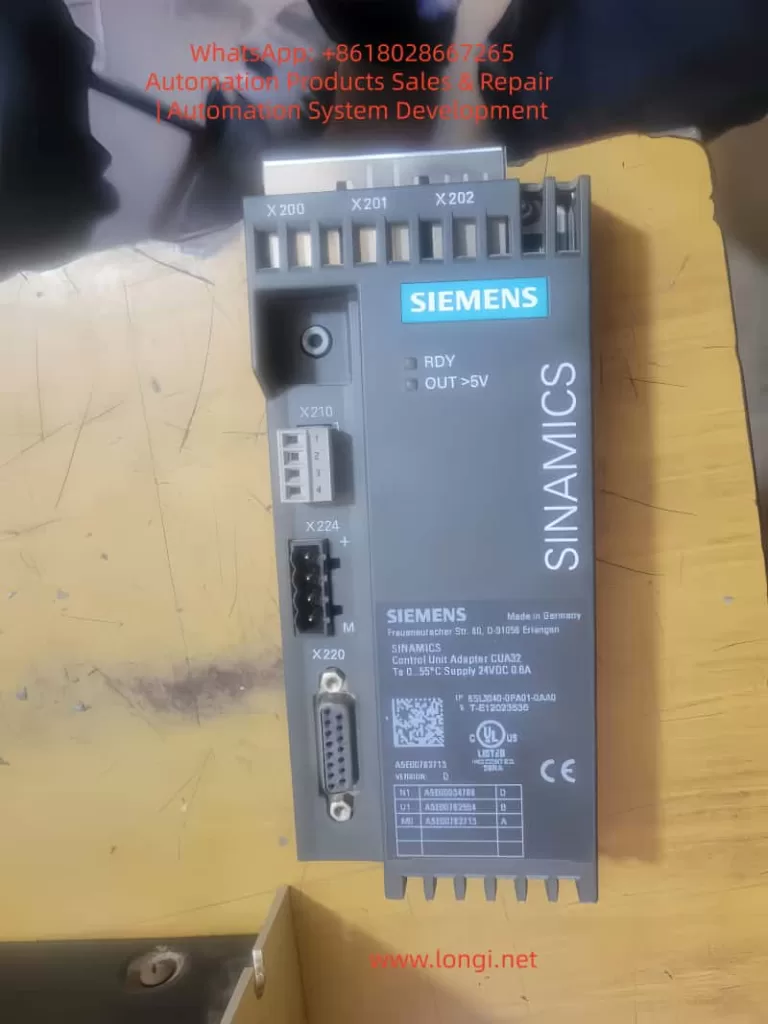
II. Overview and Architecture of the SINAMICS S120 Drive System
- Modular Design: The S120 system consists of a control unit (CU), power modules (PM), sensor modules (SM), and auxiliary components. It supports single-axis and multi-axis applications, with a power range covering from 0.12 kW to 1200 kW.
- DRIVE-CLiQ Communication: This high-speed serial interface enables seamless communication between modules and supports plug-and-play functionality, although there is a potential risk of communication interruptions.
- Role of EEPROM: It stores the rated data of the power unit (such as power, current, and voltage parameters), which is the basis for the drive’s self-check and parameterization. Data loss will trigger the F07810 fault.
III. Detailed Analysis of Fault F07810
Causes of the Fault
- EEPROM Hardware Failure: Chip damage, aging, or environmental factors (such as overheating or voltage spikes) can lead to data loss.
- Data Erasure or Corruption: Power interruptions, electromagnetic interference, or failed firmware upgrades can cause data errors.
- Module Incompatibility: When replacing a power module, if the matching data is not pre-loaded or the code number does not match, this fault may occur.
- Software Parameter Issues: Incorrect parameter settings or checksum errors.
- External Factors: Unstable power supply, poor grounding, or damaged cables.
Symptoms of the Fault
- The operation panel displays the F07810 code, and the drive cannot enable pulses.
- The system log records relevant alarms. In multi-axis configurations, only specific axes are affected.
- Diagnostic Parameters: By using the STARTER software to view parameters p0205 to r0209, if invalid values are displayed, it confirms the absence of EEPROM data.
IV. Diagnostic Methods
- Preliminary Inspection: Confirm the fault code and timestamp, and check the historical alarms.
- Power Supply and Connection Verification: Check the stability of the power supply and the connections of the DRIVE-CLiQ cables.
- Software Diagnosis: Use the STARTER software to read the fault buffer and verify the EEPROM parameters.
- Hardware Testing: Check the appearance of the power module and the voltage at the EEPROM pins.
- Cross-Verification: Test with a spare module to confirm the source of the fault.
- Advanced Tools: Run an EEPROM integrity check and record the diagnostic process.
V. Solutions
- Immediate Confirmation: Press the ACK key on the operation panel or confirm the fault through software.
- Power Restart: Completely power off and then restart the system to attempt self-recovery.
- Parameter Reset: Reset to factory settings and reload the project file.
- EEPROM Reprogramming: Use service tools to write the rated data (authorization required).
- Module Replacement: Replace the power unit, and the system will automatically recognize the EEPROM data.
- Contact Support: Seek Siemens remote diagnosis or on-site service for difficult problems.
VI. Preventive Strategies
- Design Optimization: Select modules that are resistant to environmental factors and ensure good grounding and shielding.
- Regular Maintenance: Check the EEPROM parameters and firmware version every six months.
- Backup Management: Regularly back up project files and test compatibility before upgrading firmware.
- Environmental Control: Maintain a cabinet temperature below 40°C and a humidity below 80%, and install an uninterruptible power supply (UPS).
- Training and Documentation: Strengthen engineer training and establish standard operating procedures (SOPs).
VII. Common Related Faults and Their Extensions
- F07800: Power unit missing. Resolve by reconnecting the DRIVE-CLiQ.
- F07815: Power unit code number mismatch. Verify the serial number and then replace it.
- F30005: Overcurrent. Check the motor data and parameter consistency.
- A07810: Warning-level version, often appears before F-level faults.
VIII. Case Studies
- Case 1: A machine tool factory experienced voltage spikes due to lightning strikes, triggering the F07810 fault. After replacing the power module and installing a UPS, the fault rate significantly decreased.
- Case 2: A printing press frequently upgraded its firmware, leading to EEPROM fatigue. By implementing a backup strategy, zero faults were achieved.
IX. Conclusion
Although the F07810 fault is common, by having an in-depth understanding of the S120 architecture and the role of the EEPROM, combined with systematic diagnostic methods and preventive strategies, problems can be efficiently solved and the stable operation of the system can be ensured. In the future, AI-assisted diagnosis will further simplify the fault handling process, and engineers need to continuously learn to adapt to technological evolution.