
Introduction
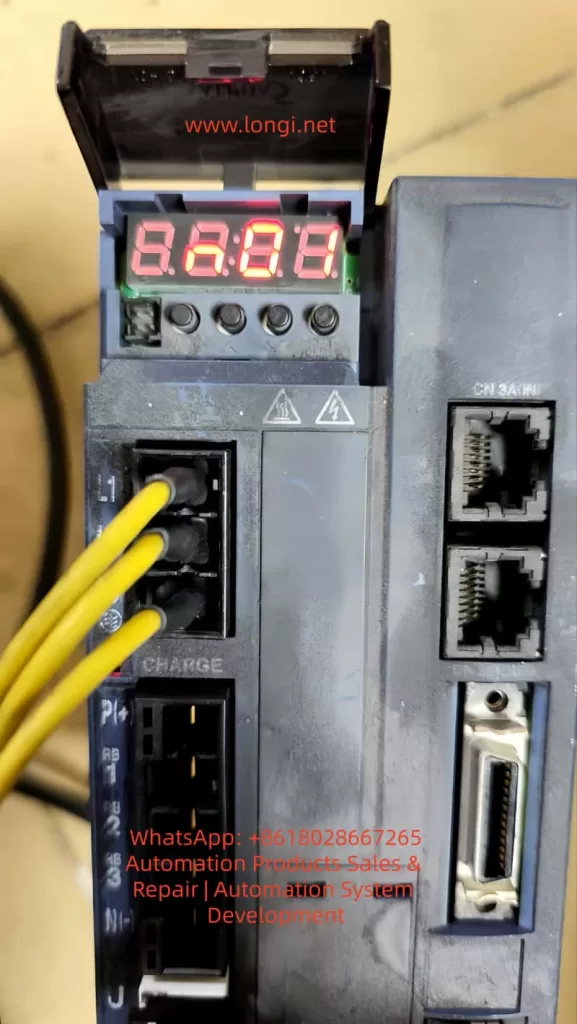
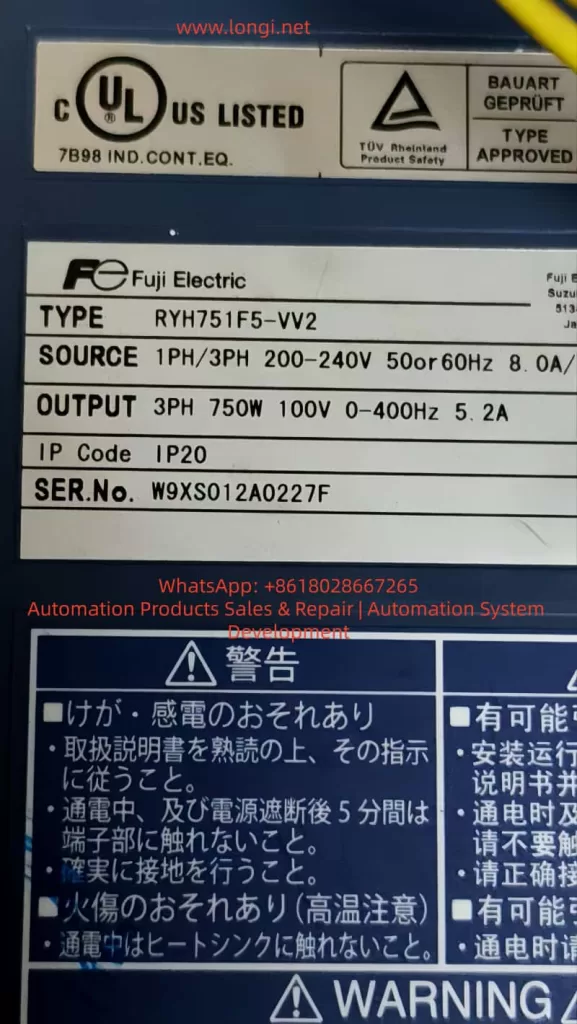
The Fuji ALPHA5 Smart servo system is a high-performance servo drive device in the field of industrial automation. Comprising GY series servo motors and RYH series servo amplifiers, it supports multiple control modes. Jog operation is a core function for system testing and debugging. However, in actual use, users often encounter issues such as being unable to enter jog mode or the motor not responding. Based on the Fuji ALPHA5 Smart user manual and practical troubleshooting experience, this article systematically analyzes the causes, diagnostic methods, and solutions for such problems, using the RYH751F5-VV2 model as an example to provide detailed guidance.
System Overview
The Fuji ALPHA5 Smart servo system is suitable for a 200 – 240V AC power supply, with an output power range of 0.05 – 1.5 kW and supporting an IP20 protection rating. The servo amplifier features a modular structure, equipped with a keypad and multiple interfaces. The system offers various operation modes, and the jog function belongs to the Fn01 sub-mode under the test mode, used for manual key-controlled motor positive and negative rotation testing.
Detailed Explanation of Jog Function
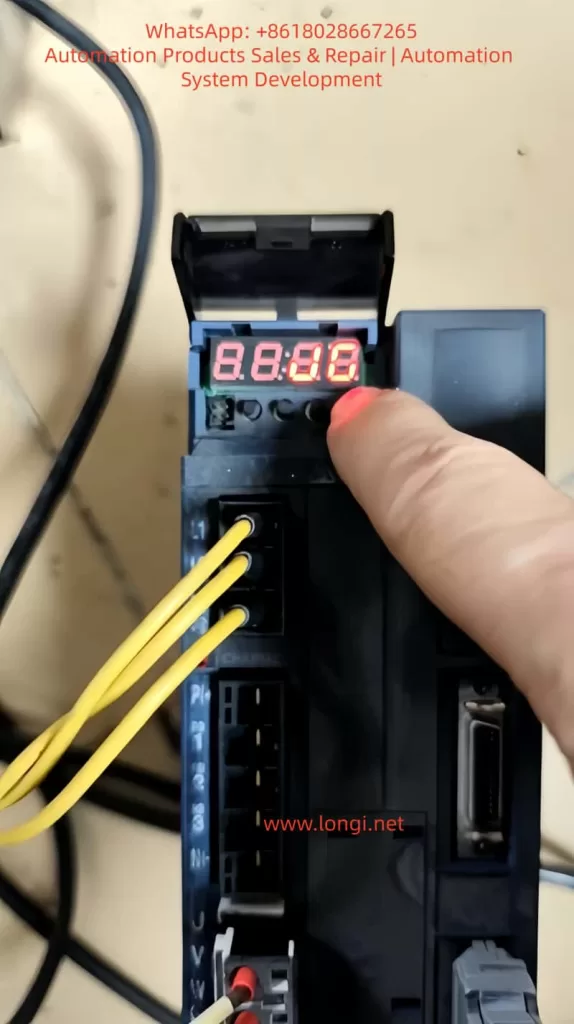
Jog operation is an built-in testing tool in the ALPHA5 Smart system, allowing users to manually drive the motor to rotate. It is mainly used for fault diagnosis and performance verification. The operation process includes powering on, switching modes, entering the jog sub-mode, long-pressing the SET key to enter jog state, and pressing the ∧/∨ keys to control the motor’s positive and negative rotation. The jog speed is controlled by parameters and is only supported in position or speed control modes.
Common Problem Analysis
Jog faults mainly manifest as follows:
- No response after displaying “JG” when pressing SET: This is often caused by improper key operation, requiring a long press of the SET key for more than 1 second.
- Motor does not rotate when pressing ∧/∨ after entering the mode: This involves issues such as activated safety signals, unreleased brakes, or improper parameter settings.
- Direct jog operation upon power-on is ineffective: This stems from the system’s initialization mechanism, requiring access to other modes first to force a refresh of the parameter cache.
- Other potential causes include latent alarms, unstable power supply, or keypad hardware failures.
Diagnostic Steps
Diagnosing jog faults requires a systematic approach, including:
- Power-on check: Observe the keypad self-test and record the alarm history.
- Mode switching verification: Confirm that there is no mode lock and check the input/output status.
- Parameter review: Check parameters such as control mode, write protection, and jog speed.
- Safety signal testing: Disconnect relevant I/O lines and test the safety signals.
- Jog attempt: Enter the jog sub-mode, long-press the SET key, and observe the motor’s response.
- Initialization behavior diagnosis: Record the differences between direct jog ineffectiveness upon power-on and after first accessing other modes.
- Hardware inspection: Measure the power supply voltage and check the encoder cable and keypad keys.
Solutions
Specific solutions are provided for common problems:
- “Unresponsive keys”: Long-press the SET key strictly or reset parameters to restore defaults.
- Safety signal blockage: Modify the I/O allocation or conduct external short-circuit tests to ensure brake release.
- Incompatible parameters: Set the correct control mode, disable protection, and restart the power supply.
- Power-on initialization problems: Optimize the initial mode settings, or customize scripts to automatically load parameters and upgrade the firmware.
- Motor does not rotate: Check alarms, adjust the load or torque limit, and verify the gain.
- Keypad failure: Replace spare parts.
Preventive Measures
Preventing jog faults requires full-chain management from installation to maintenance, including:
- During installation: Ensure good grounding and separate power and control lines in wiring.
- Parameter backup: Regularly save configuration files and set up automatic warning displays.
- Regular inspection: Check I/O signals, measure insulation resistance, and replace aging components in advance.
- Operator training: Emphasize long-pressing the SET key and mode cycling, and avoid direct testing upon power-on.
Case Studies
- Case 1: Parameter protection was enabled, causing jog ineffectiveness. The solution was to disable protection and restart.
- Case 2: The brake was not released, resulting in the motor not rotating. Applying power solved the problem, and the brake timing was adjusted.
- Case 3: Initialization delay caused direct jog ineffectiveness upon power-on. Upgrading the firmware resolved the issue.
Extended Knowledge: Parameters and Adjustments
Jog faults are related to parameter interactions, requiring an understanding of parameters such as electronic gear ratio, gain tuning, and I/O allocation. Servo adjustments, RS-485 communication, and PC Loader advanced functions also help optimize jog performance.
Conclusion
Jog faults in the Fuji ALPHA5 Smart servo system can be efficiently resolved through manual guidance and systematic diagnosis. Mastering the fulfillment of prerequisites, operation specifications, and initialization management is crucial. It is recommended to regularly refer to the manual and combine it with PC Loader for in-depth applications to enhance system reliability. If problems persist, contact Fuji sales for support.